| Support Category: User Account | No Account |
| Specialist Notes: |
User registers from home page http://www.disasterready.org
The user will receive a welcome email with a confirmation link and login information.
IMPORTANT! As of 07/2025, the regsitration process has changed to help prevent spam accounts. Kindly be aware that the signup process is different now. |
HOW SHOULD WE ASSIST?
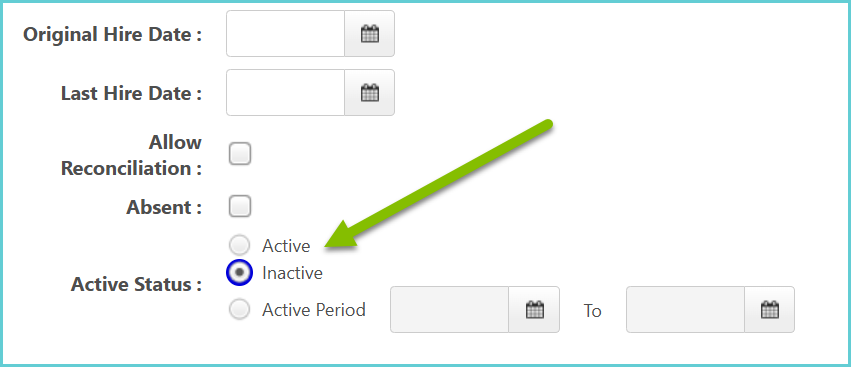
To do this, access the user’s account and update the User Record information:
|
| Standard Response: |
To register for an account, please follow these steps:
1. Please go to http://www.disasterready.org/ and click 'Sign Up' or 'Create My Free Account'.
2. Please fill out all required fields and click 'Create Account'.
3. You'll receive a welcome email with a confirmation link and login information. Once you follow the directions you will have access to the portal and access trainings.
Should you require assistance with any other inquiry, please let me know.
