| Support Category: LMS Navigation |
| Specialist Notes: |
Users and Specialists can use the filter to search for/determine if a course is mobile-friendly.
| Canned Response Code: /DR03 |
| Standard Response: |
To locate mobile-friendly courses or to see if a course you’ve already selected will work properly on a mobile device, please use these steps:
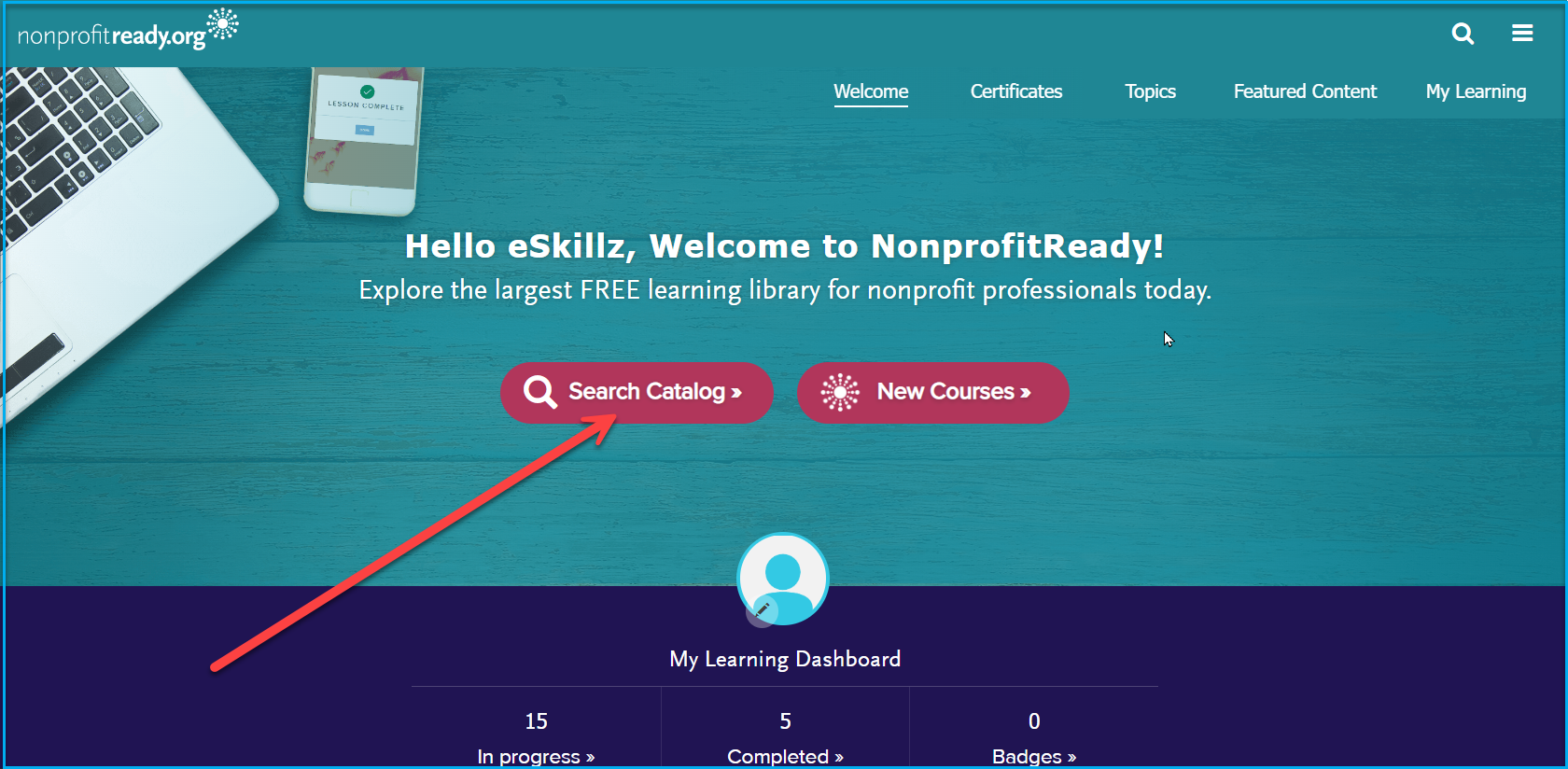
1. From your home page, click on the ‘Search Catalog’ button.
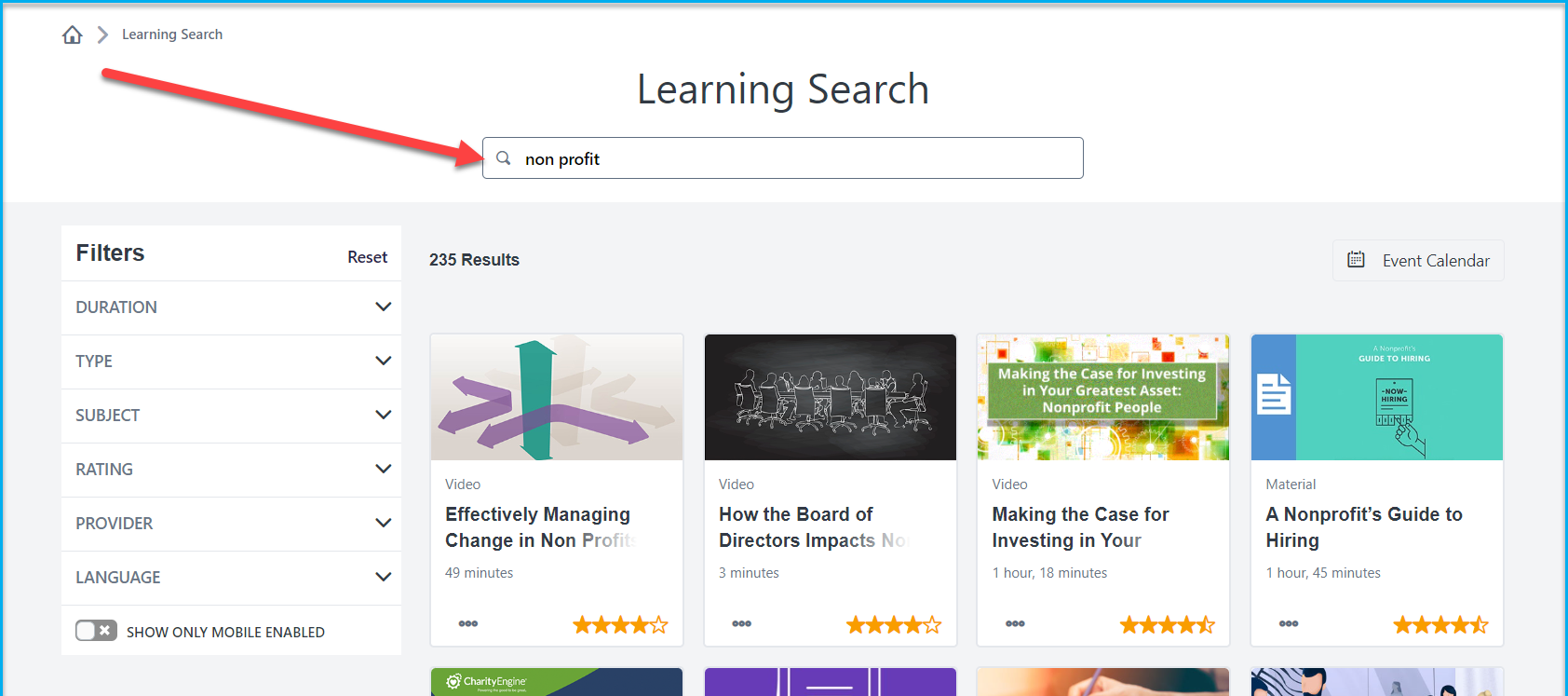
2. In the search bar, enter the course title or a keyword you’d like to search for and hit Enter on your keyboard.
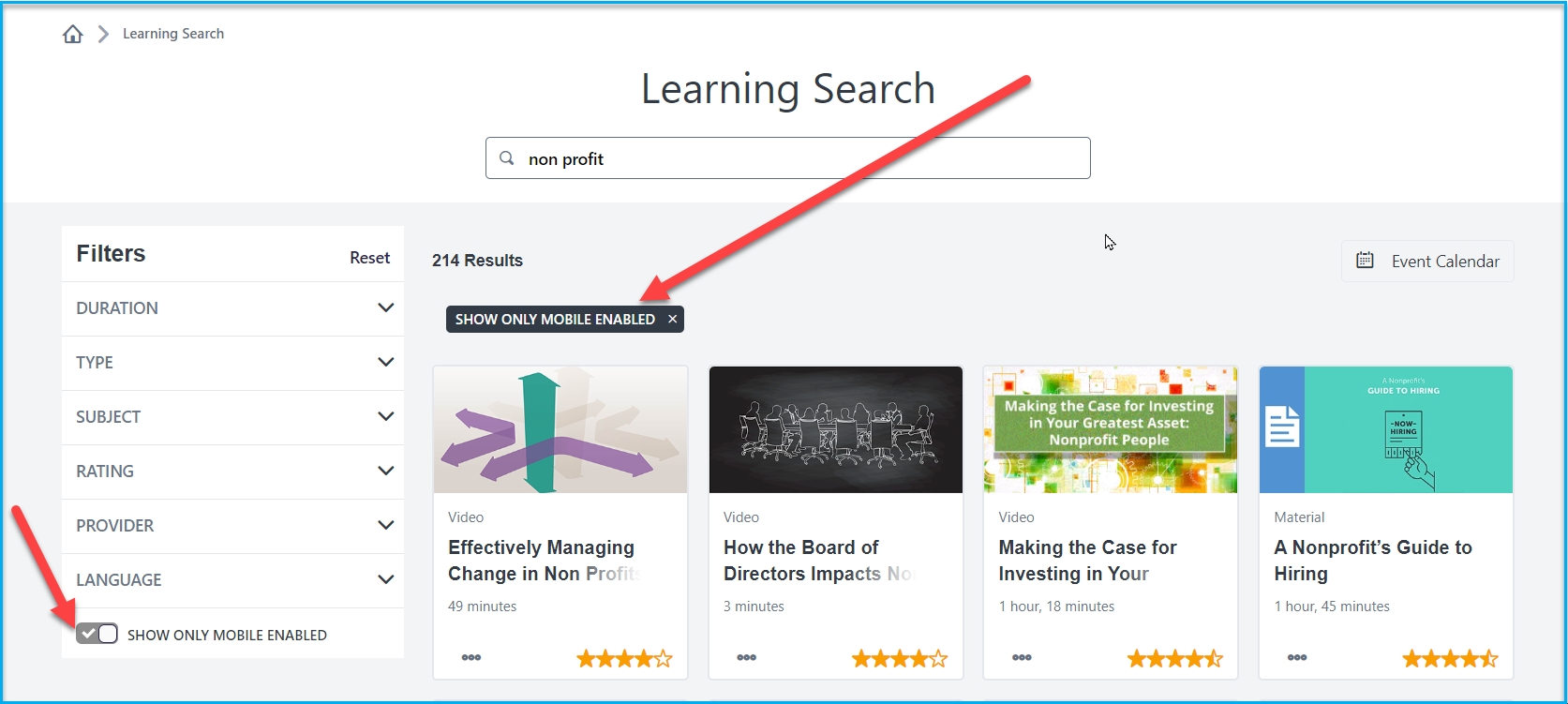
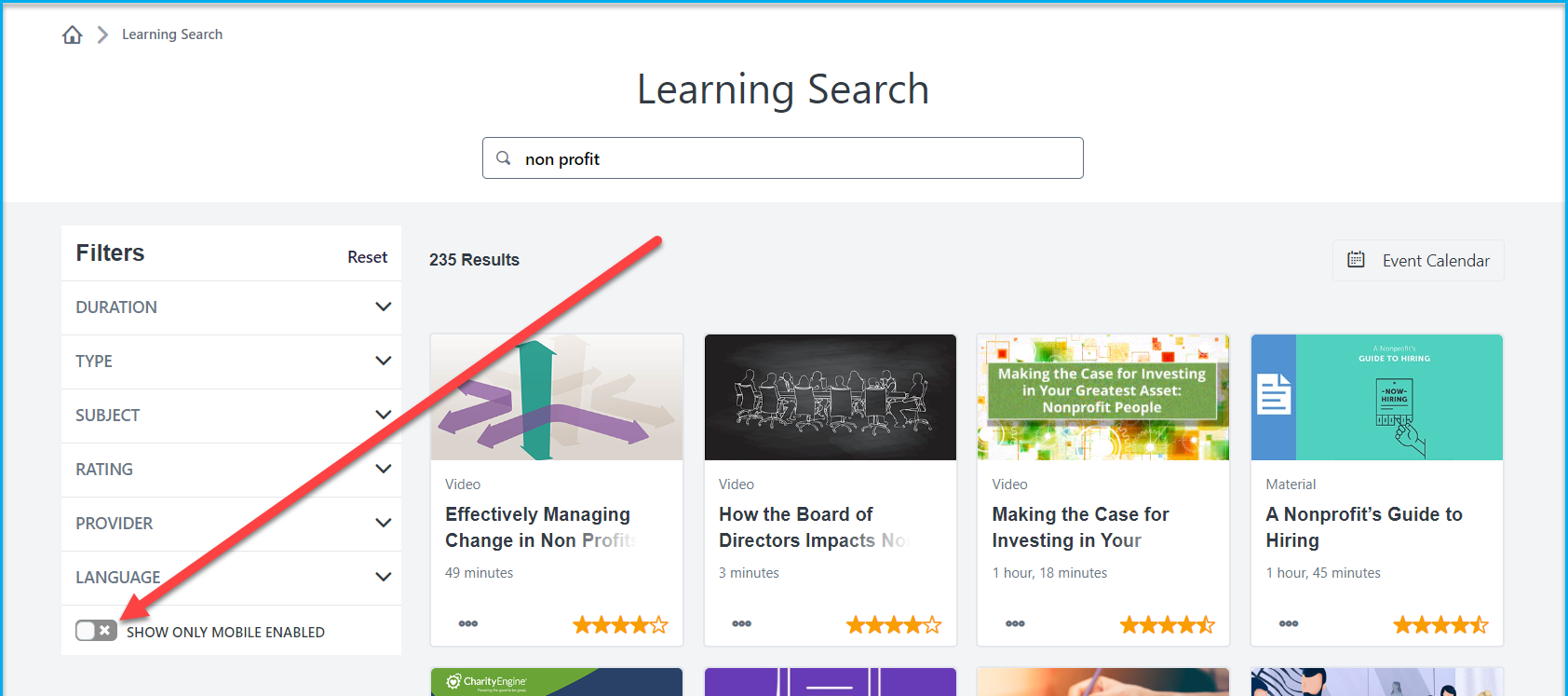
3. Once you have your results, toggle on the ‘Show Only Mobile Enabled’ button that is under the Filters on the left-hand side. Any courses still showing are mobile-friendly.
Note: To confirm that you have successfully toggled to show mobile courses, you should see the checkmark under the Filters column and 'SHOW ONLY MOBILE' under the Results.